App
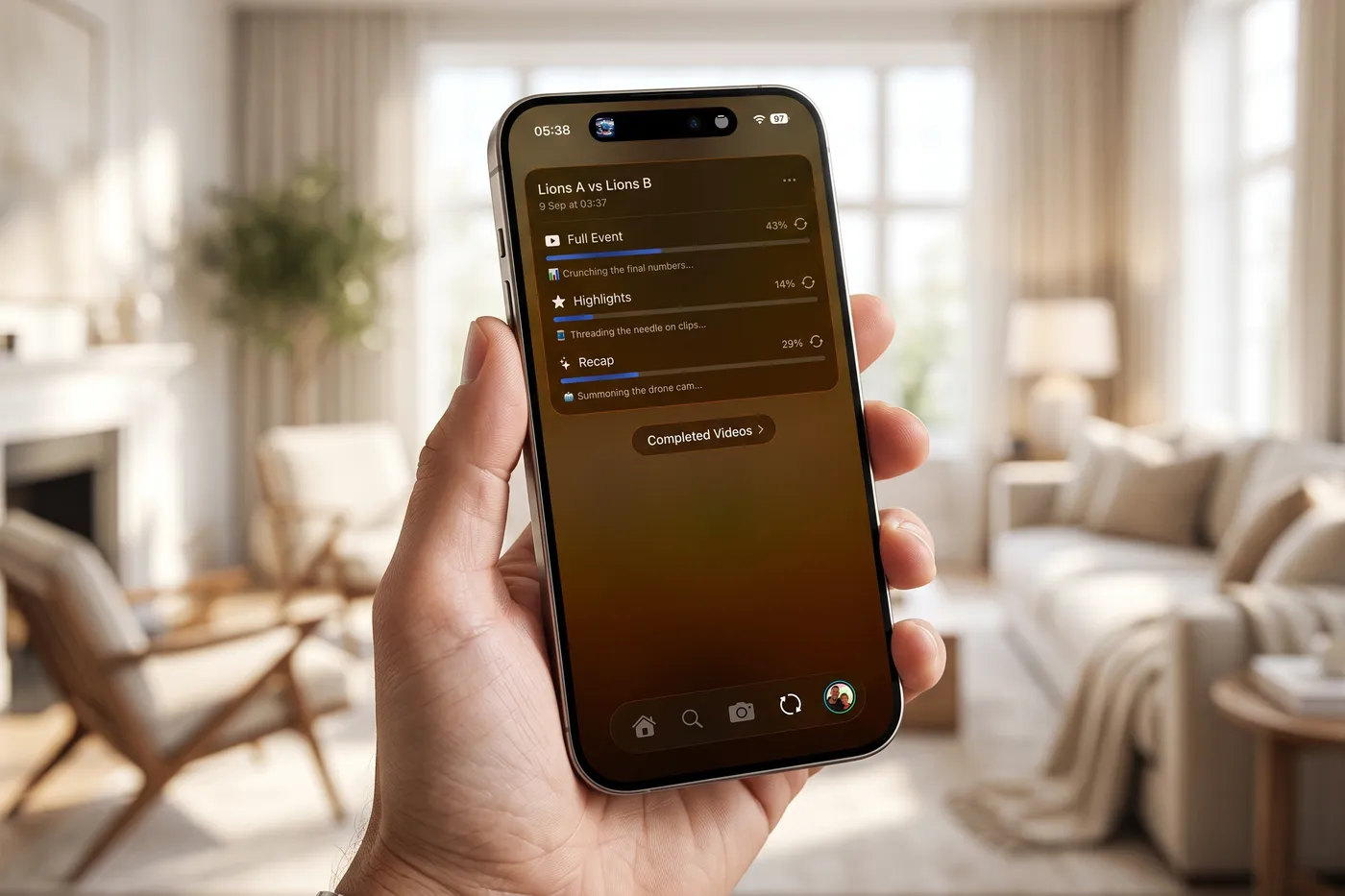
Record the match on the phone already in your pocket. Recap finds the moments, writes the commentary, builds the graphics, scores it and hands the film back before you have left the car park.
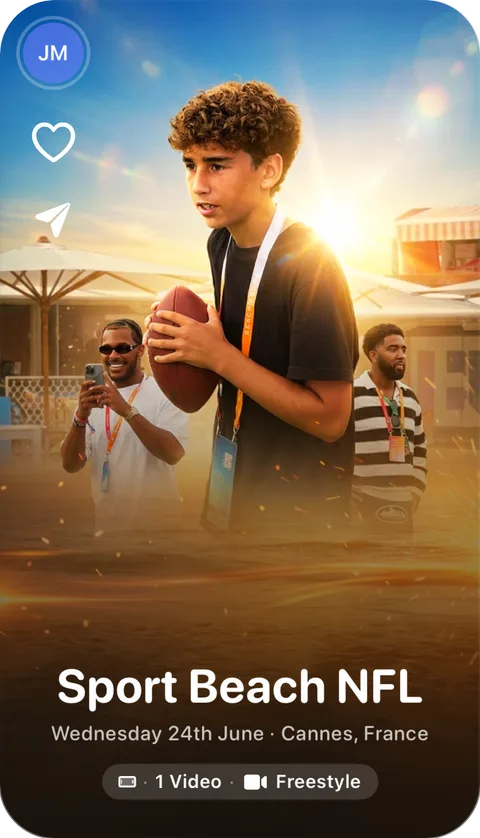
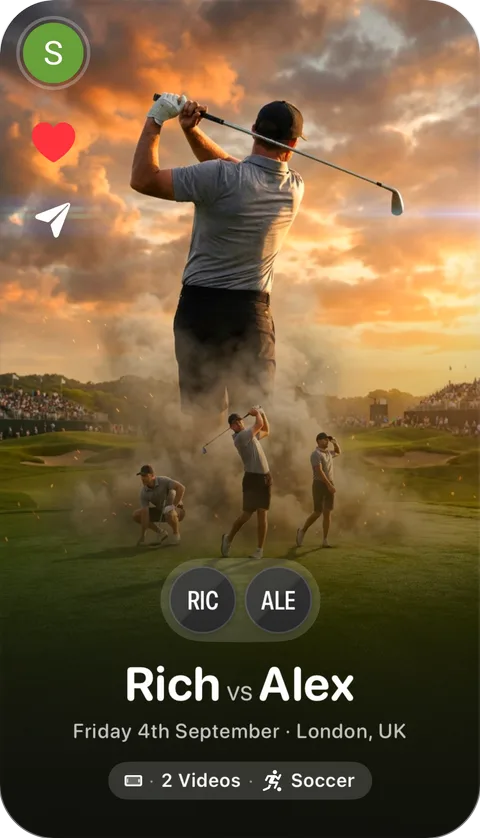
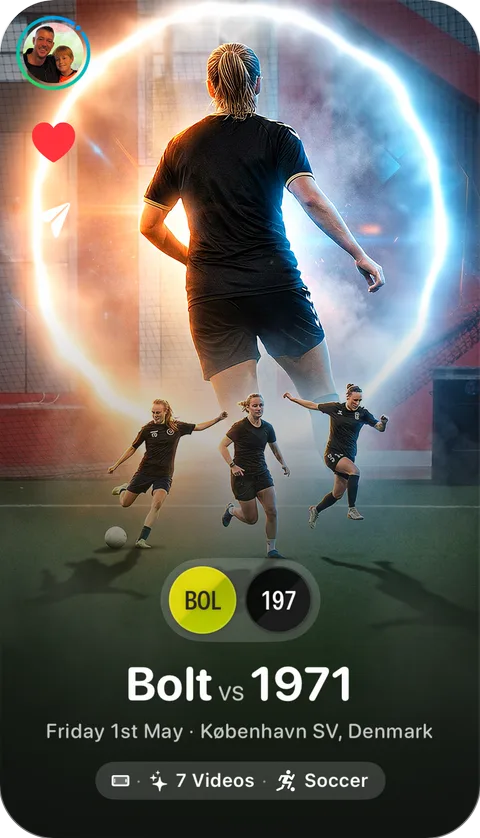
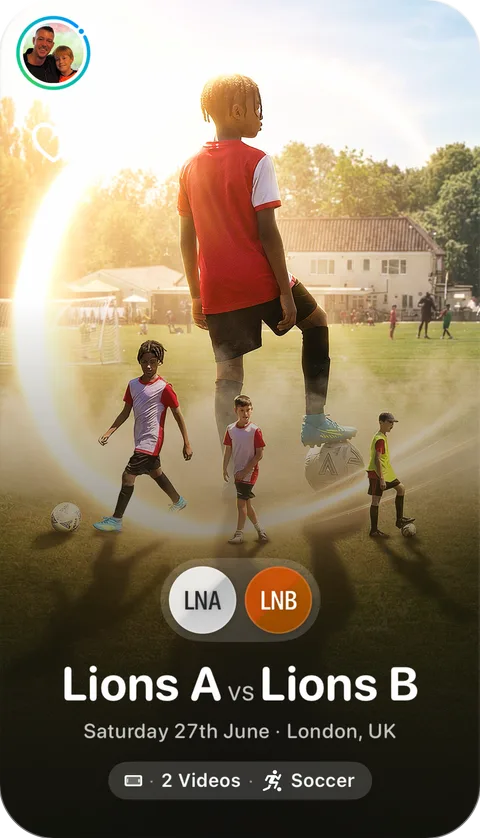
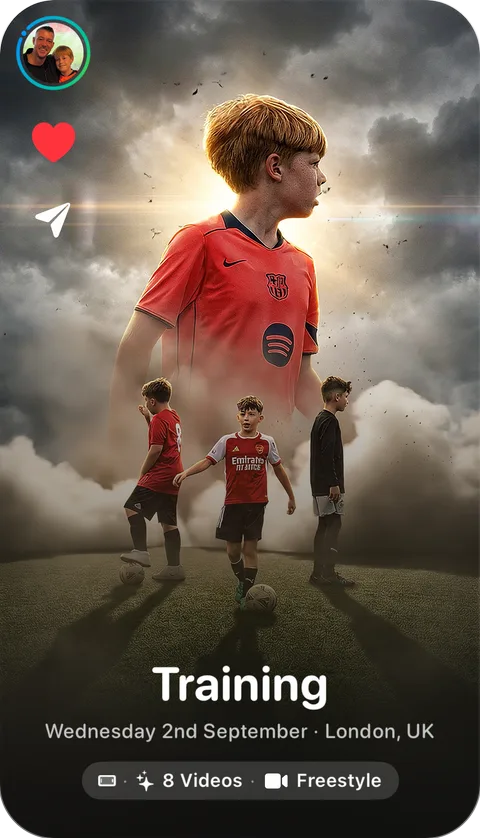
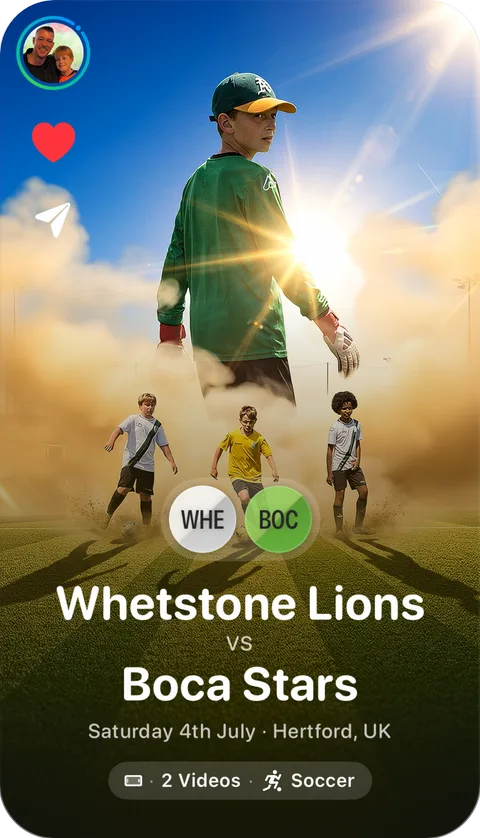
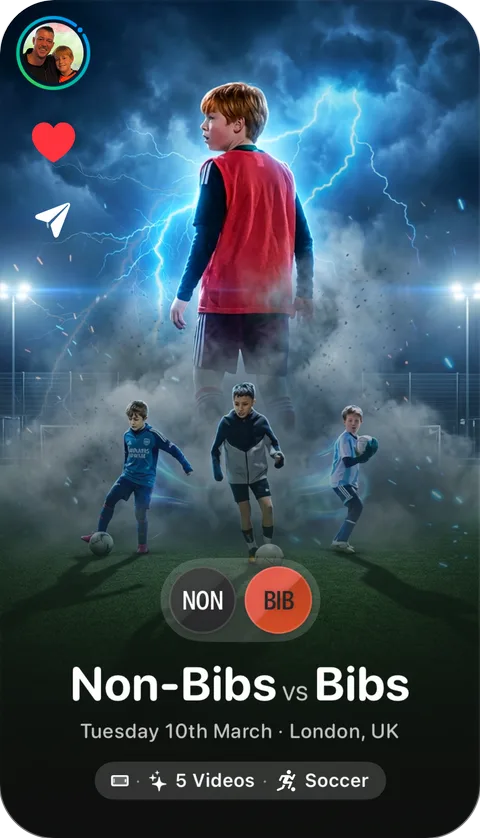

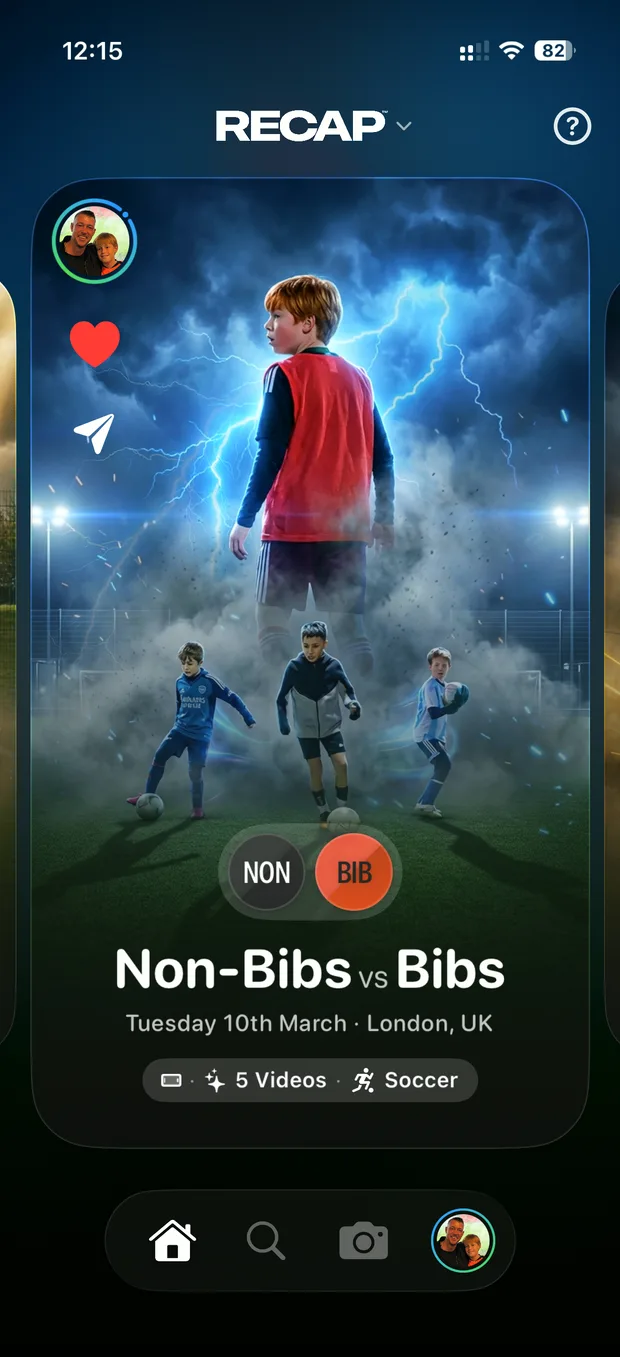
Every moment, from every phone on the touchline, in one place.
An app anyone can use, with a post production house behind it
Recap is built to be simple to hold and simple to understand. Open it, film the match, mark the moments worth keeping. What comes back is a broadcast-style highlight package with commentary, graphics, pundits and music, cut and mixed. The work that usually takes an edit suite and a week happens out of sight.
Who it is for
One app, and four different reasons to open it.
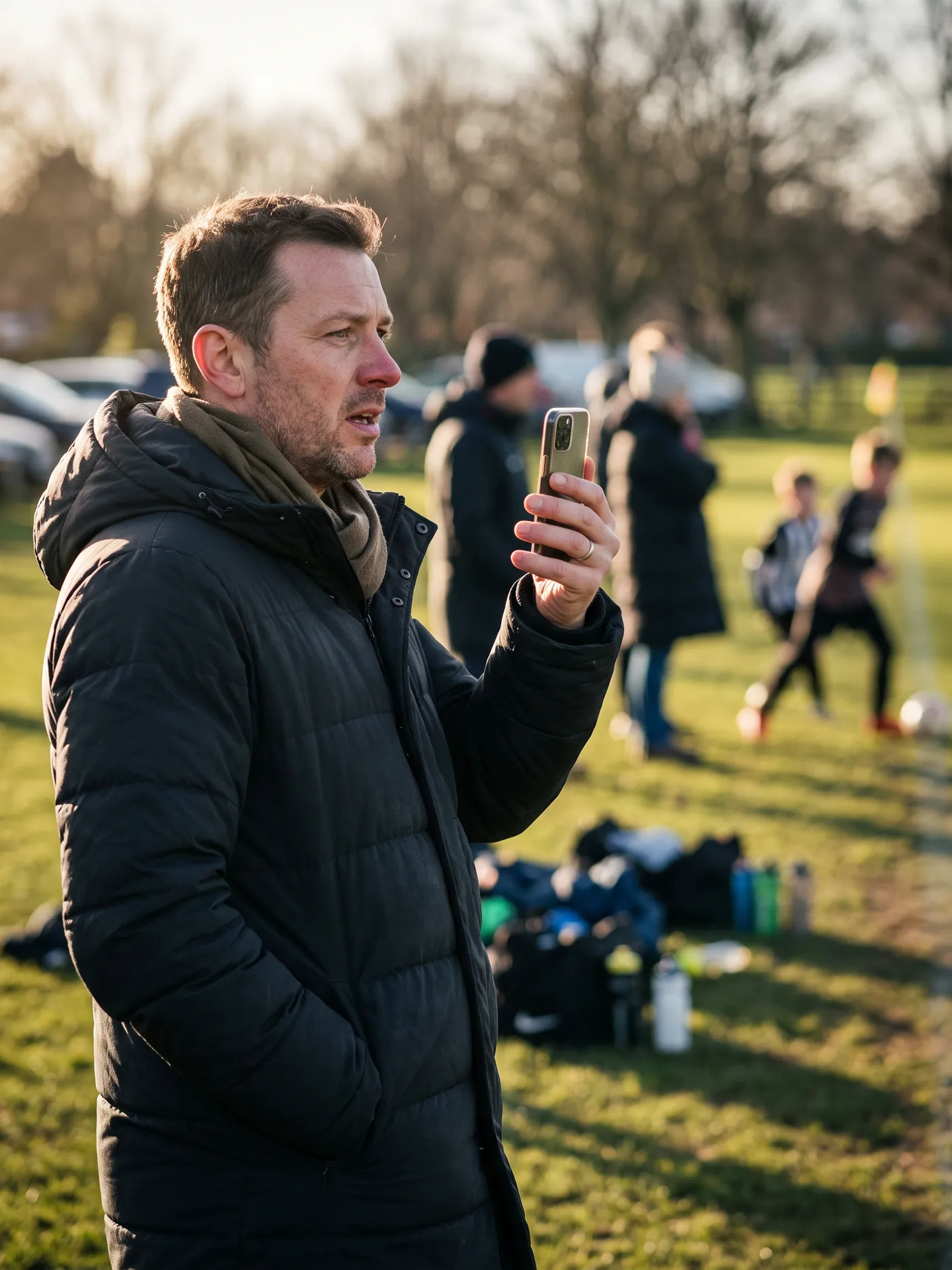
Parents
You are on the touchline anyway. Film the half you were going to watch and your child ends the day with a highlight film of it.
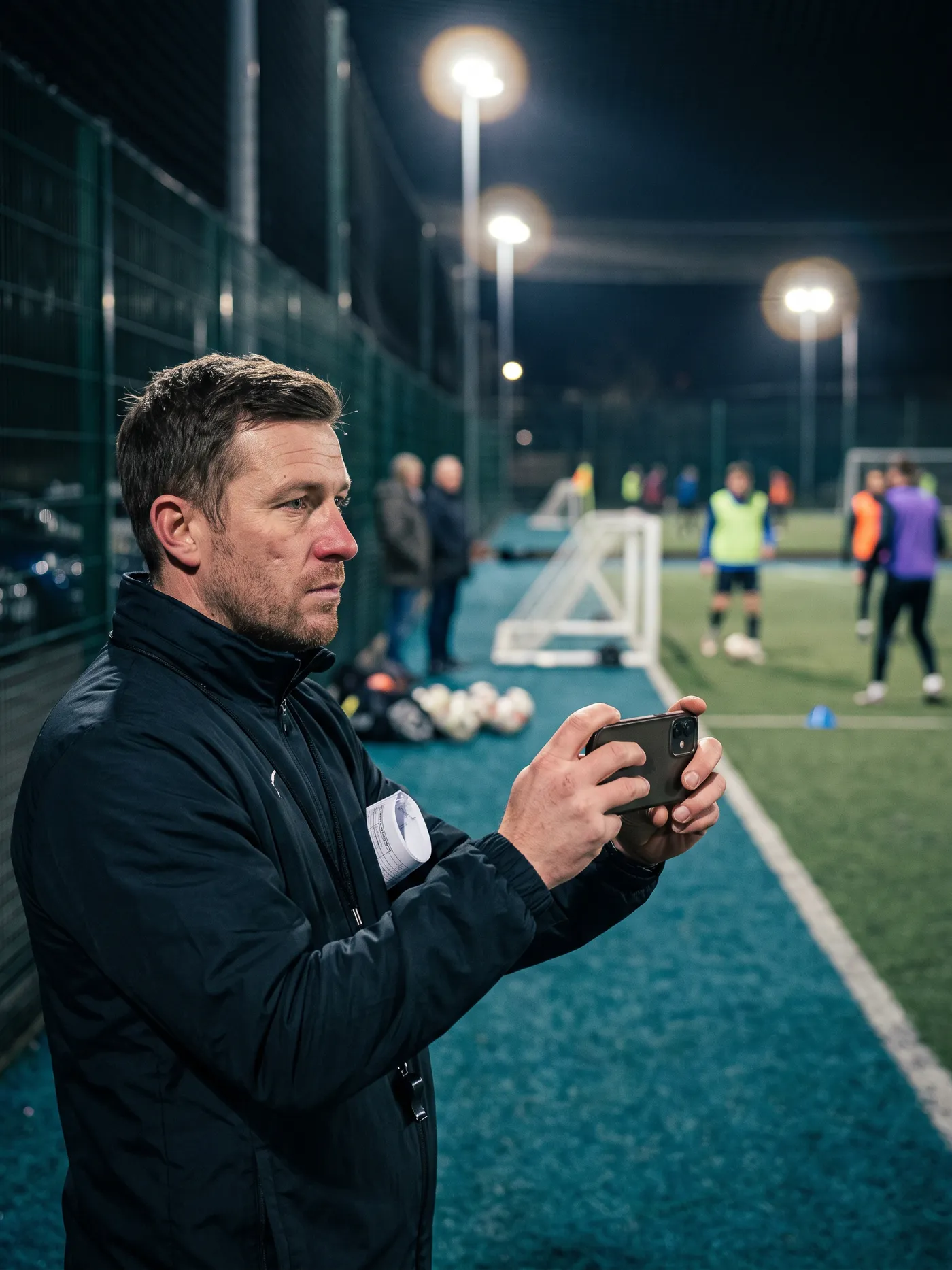
Coaches
A record of every fixture, cut into the moments that mattered. Useful on Sunday night, and useful again when you look back at the season.
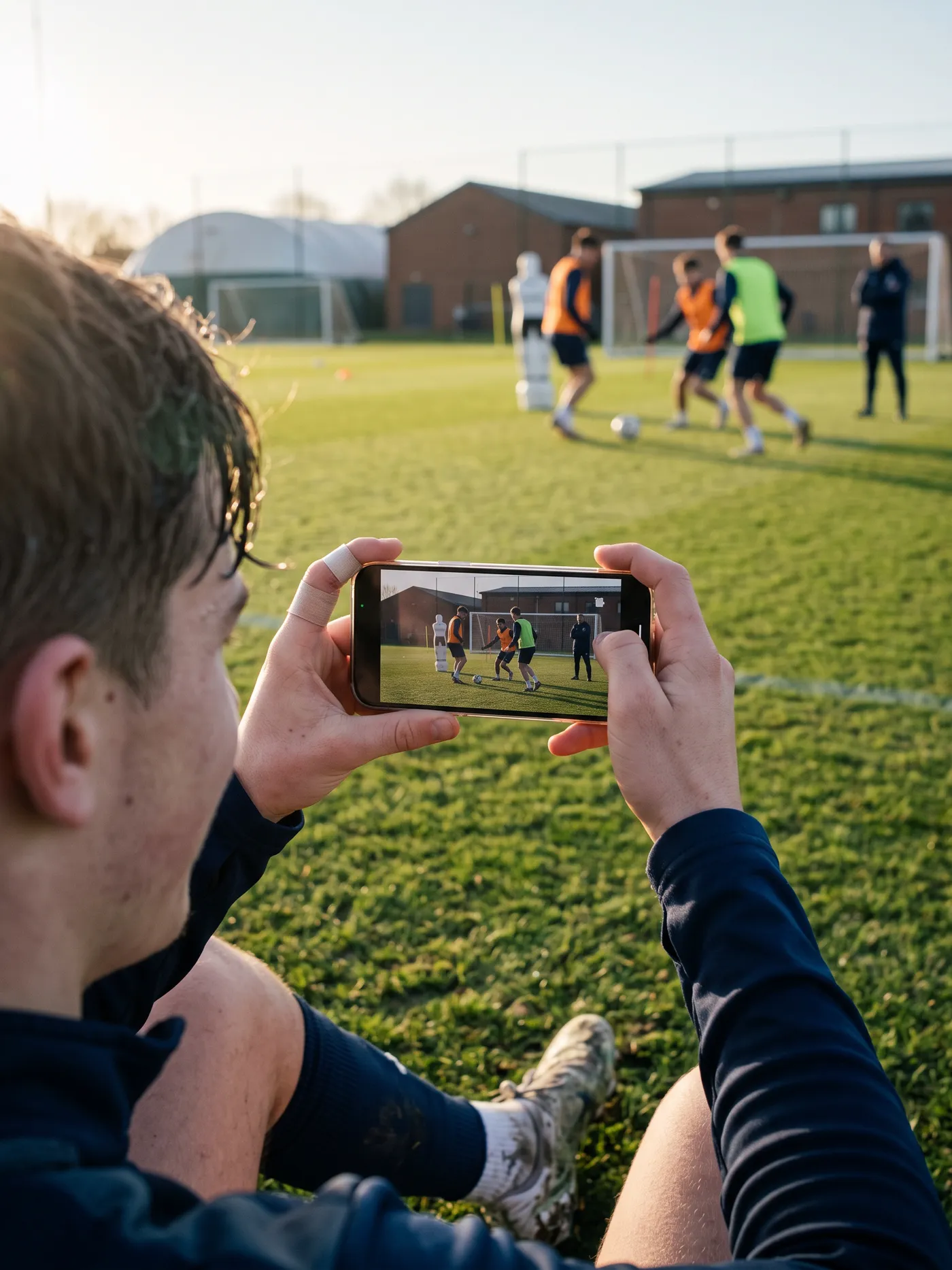
Players
Your own best moments in one place, in something you would actually send to someone. You do not have to score to be in it.
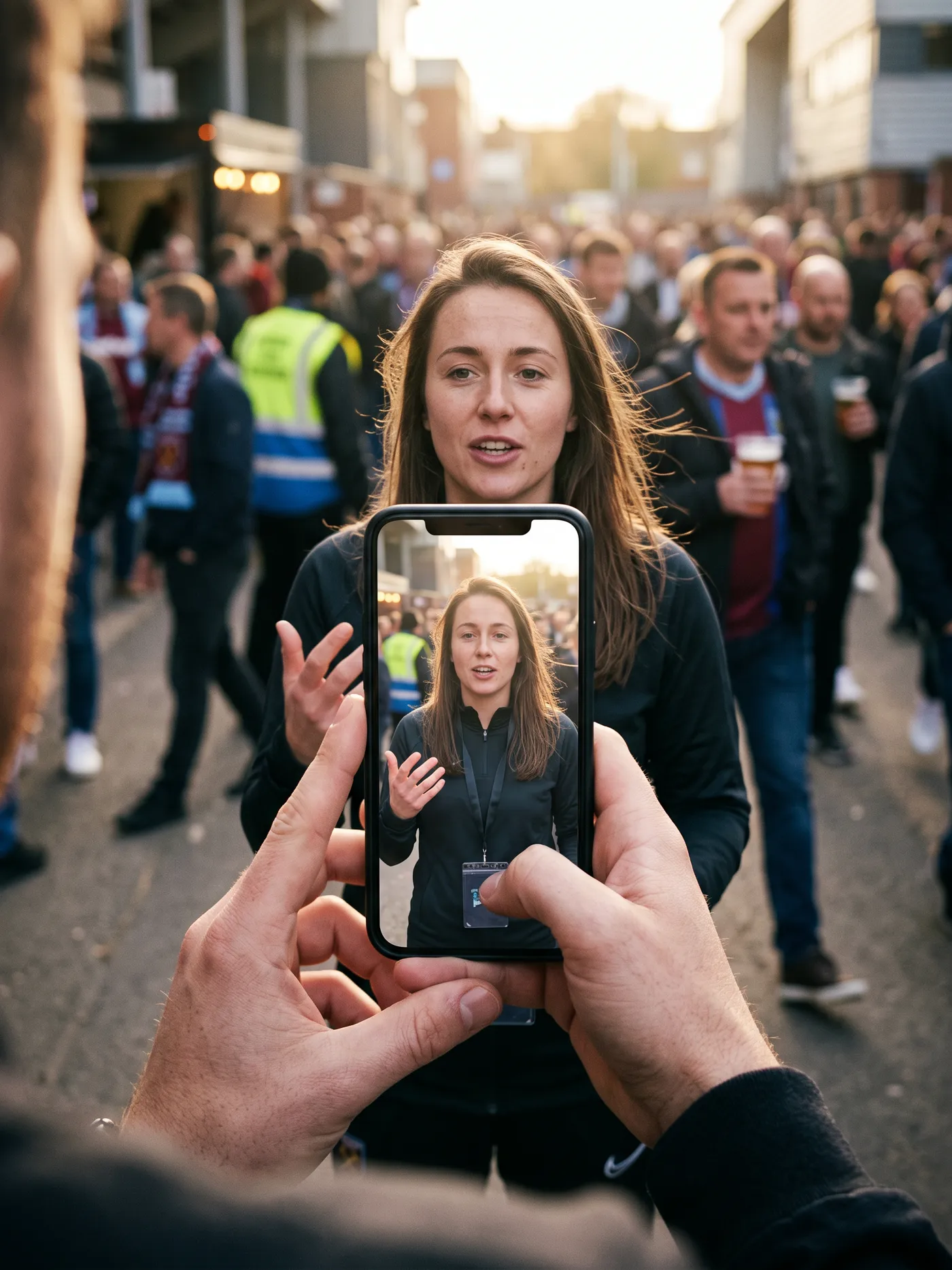
Creators
Broadcast-grade footage off a phone, cut for every platform, with no edit to do. Cover a whole tournament in a morning.
Filming modes
Filming modes
Three ways to film
Choose the mode before kick off and the controls change to suit it.

Soccer
Team names, colours, the score and goal markers. Everything a football match needs the highlight package to know.
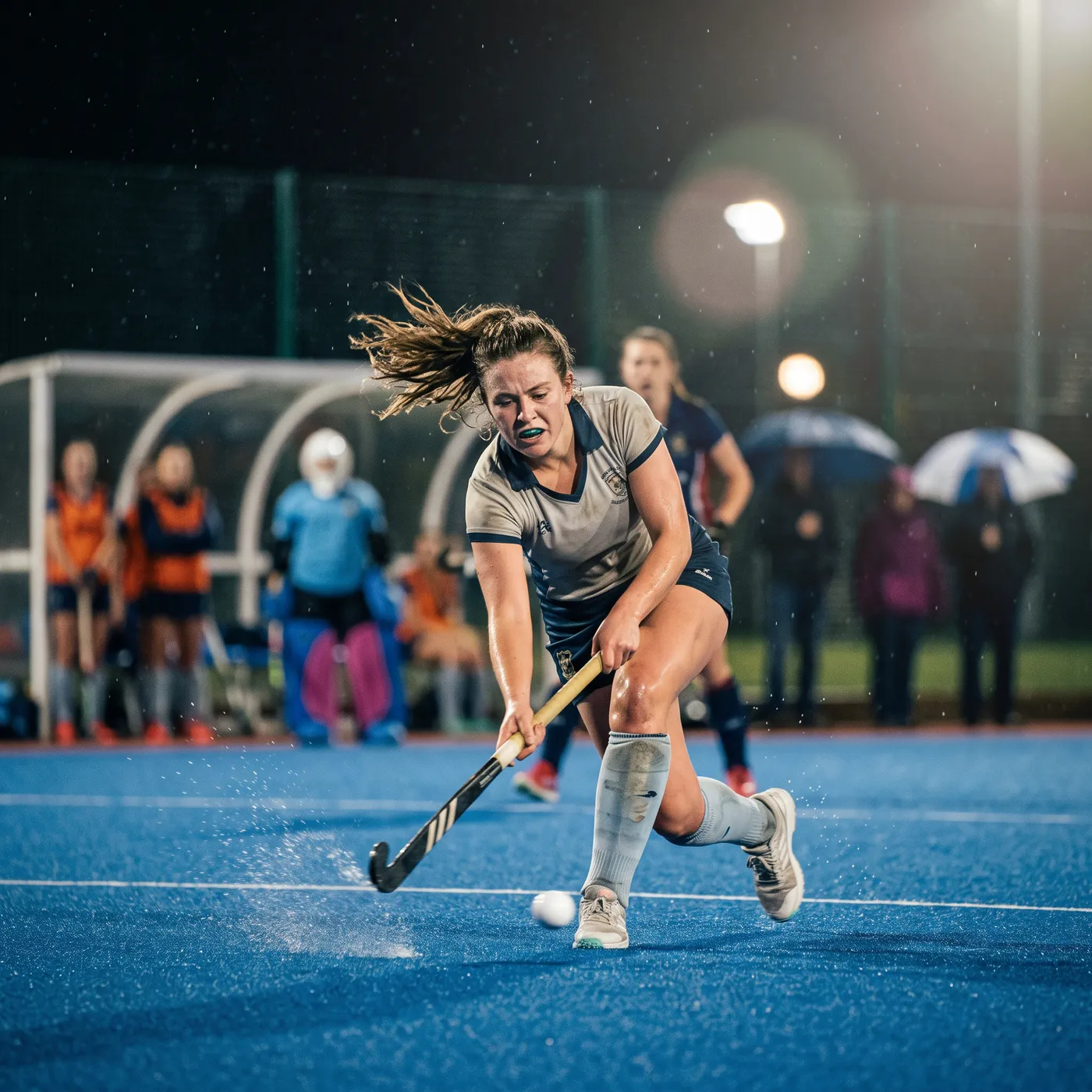
Team Sports
Team information and moment markers, for basketball, volleyball, hockey, ice hockey and padel.

Freestyle
Simplified controls for everything else. Film what you like and mark the parts worth keeping.
How it works
How it works
Four steps, and you only do two of them
01
Capture
Open the app and film. Framing guides keep the play in shot, zoom sits under one thumb, and you tag the goals as they go in.
02
Personalise
Team names, colours, the final score, who deserved player of the match. A minute of this is what turns footage into a story.
03
Recap builds it
Computer vision reads the whole recording. Commentary, pundits, graphics and music are generated around what it found.
04
Share
The finished film lands in your feed and on a page anyone can open, on any phone, with nothing to install.
The AI
The AI
What happens between the whistle and the film
Five things run on your recording. None of them ask you anything.
Computer vision
Watches the full recording and pulls out the moments worth keeping.
Commentary
Written and voiced to the match in front of it: the teams, the score, the names you gave it.
Pitch-side pundits
Lifelike presenters, generated into your ground and your weather, top and tail.
Broadcast graphics
Score bugs, team cards and stat overlays, built from the details you entered.
Music and mix
Scored, ducked and mixed, so the film lands like a package rather than a clip.
The posters
The posters
Every match gets a poster
Recap reads the recording for the frames where a player is still and facing the camera, cuts them out, and builds a poster around them. Real players from that match, in their own kit, with the score on it. Regenerate it, choose different players, or bring your own.
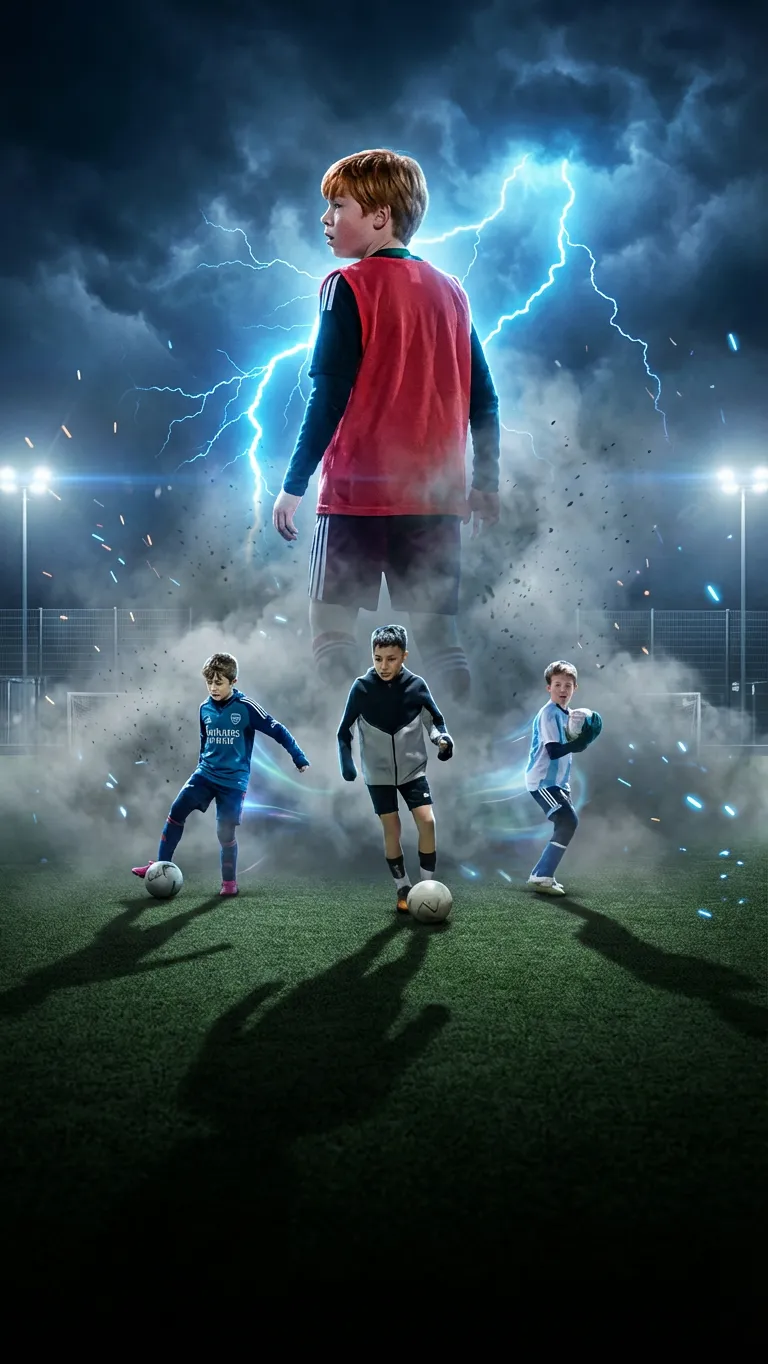

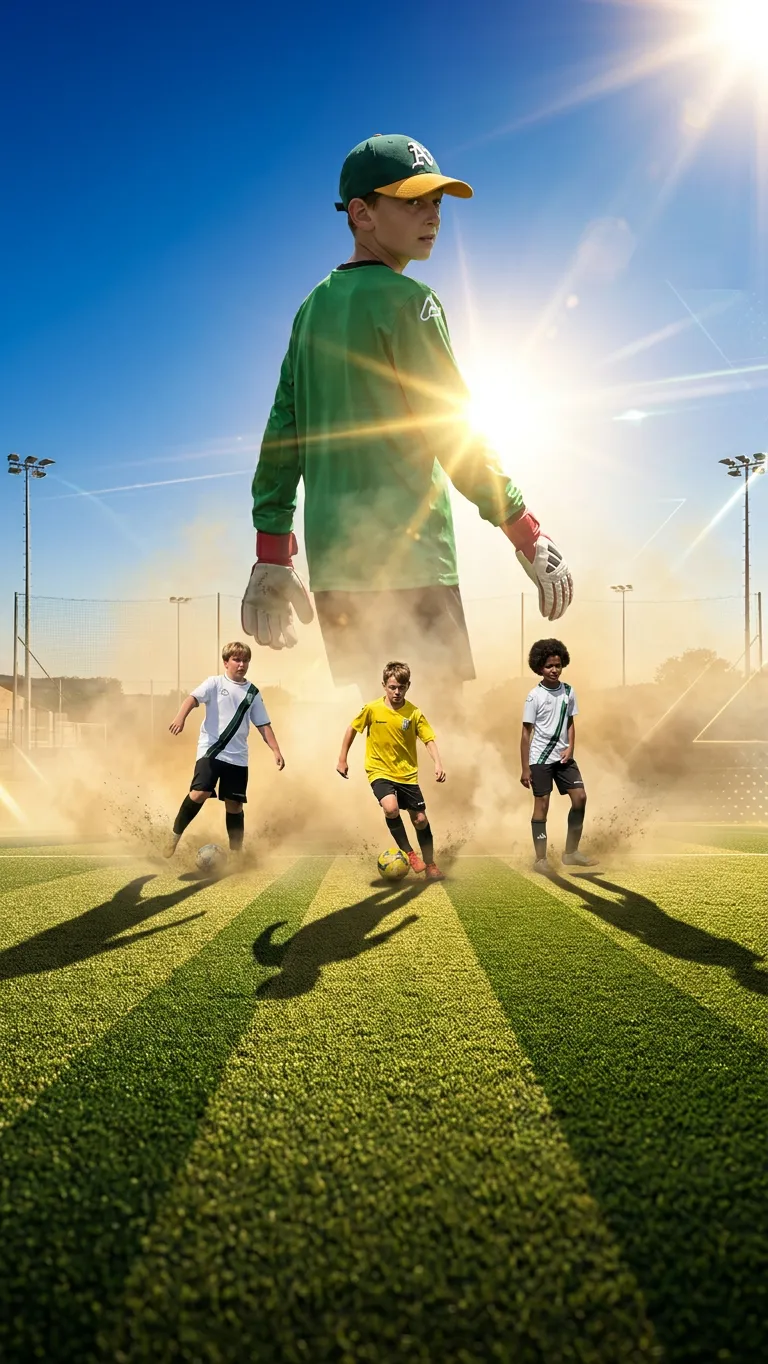


Living posters
Living posters
And then they move
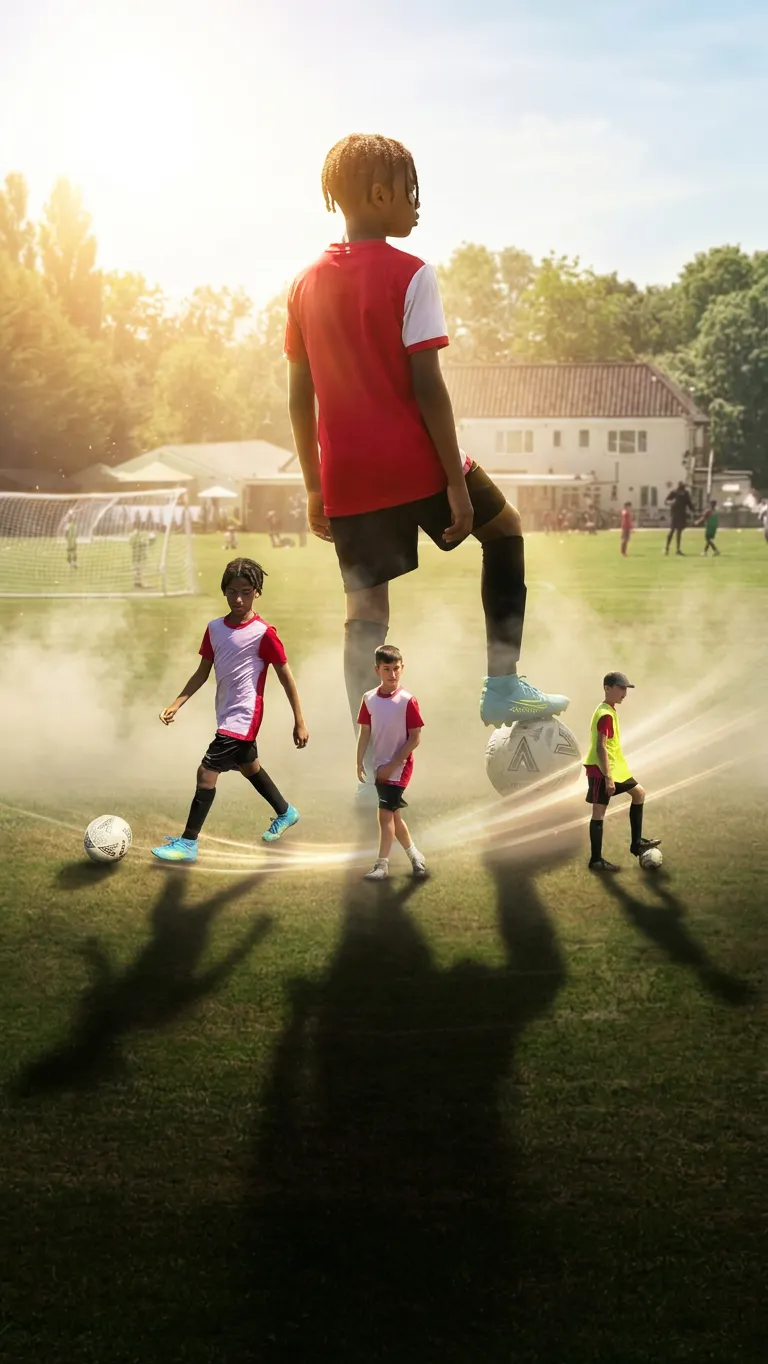
Living posters take the same artwork and animate it. The player breathes, the crowd shifts, the light moves across the badge. It is the first thing you see when you open a match, and it is the thing people screenshot.


The details that make it feel like the phone, not a website in a wrapper
Dynamic Type
Every screen holds together at the largest accessibility sizes.
Dark mode
Semantic colours throughout, so it follows the system without a second theme.
Labelled for VoiceOver
Every control carries a label and a target you can actually hit.
Liquid Glass
The iOS 26 materials, used as Apple ships them.
Sharing
Sharing
Out to wherever it needs to go
One tap to anywhere
The iOS share sheet, so the film goes wherever your phone already goes.
Cut for the platform
Vertical and square versions are made alongside the film, not cropped out of it afterwards.
A link that works
Every share page carries the poster and the title, so it unfurls properly in a message.
Safety
Safety
Children are on this footage, and we build accordingly
Recap films minors every weekend. That fact sets the defaults.
Private until you send it
A match is yours. Nothing leaves your account until you make a link, and a link can carry a password.
Consent on the record
Teams with players under 18 capture parental consent before filming, stored against the team.
Your footage, your region
UK recordings are processed and stored in London, US in the States, Canada in Canada.
No public scoreboard
No like counts, no dislike counts, no follower race. There is nothing here to lose at.
Sign in with Apple
Sign in without handing over an email address, and delete the account from inside the app.
Told, not tracked
Notifications are about your own matches finishing. There is no feed engineered to hold you.
On iPhone
On iPhone
It uses your phone properly
Sign in with Apple
One tap, no password, and Hide My Email if you want it.
Photos
Pull a poster in from your library, and save every film back out to it.
Notifications
Told the moment a film is ready, with the poster on the notification.
Deep links
A Recap link opens the match in the app when you have it, and on the web when you do not.